Open-Source AI Avatar vs HeyGen: The Real Cost Compared
Can open-source AI replace HeyGen? I tried 4 free models on rented GPUs – here's what it looked like and what it really cost.
· 486 views · YouTube video: Open-Source AI Avatar vs HeyGen (Exact Cost Breakdown)
Watch on YouTube · Subscribe to @PROOFOFDATA
Key takeaways
- At full quality, open-source avatars took 30 minutes of compute per 1 second of video.
- A 10-minute video would take 12 days on an A100 and cost around $500. HeyGen: about $20.
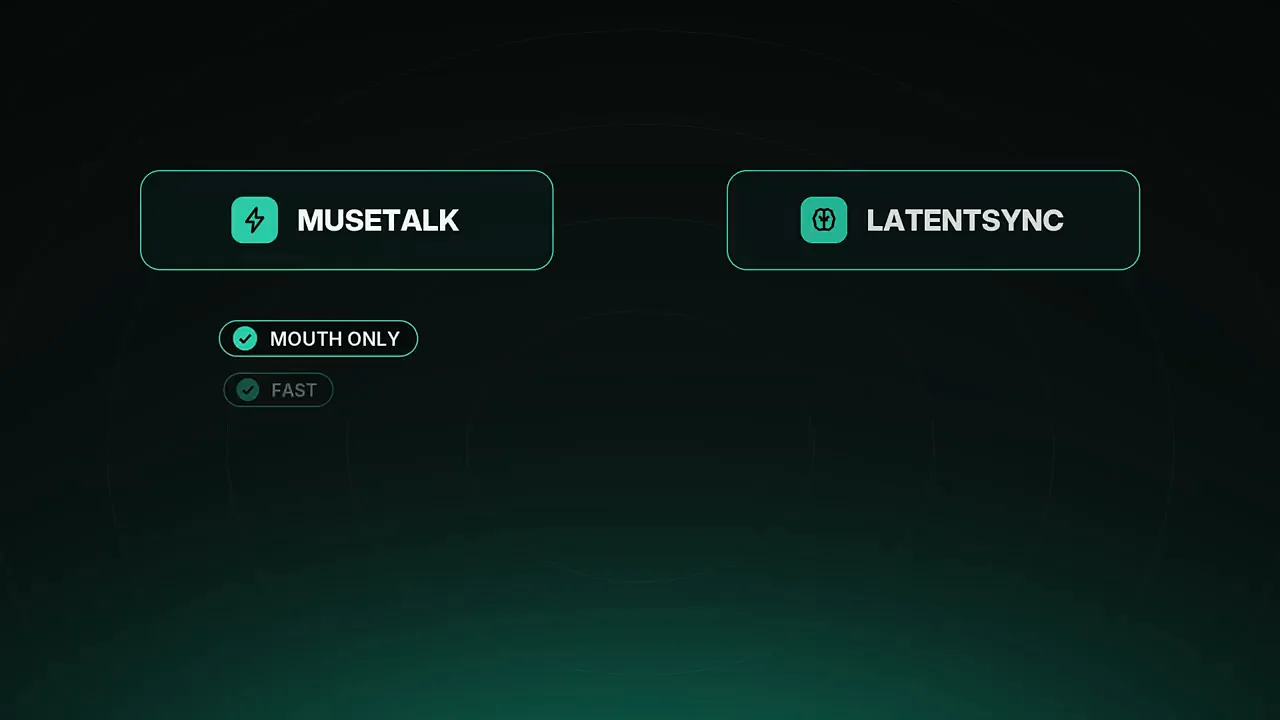
- Mouth-only models like MuseTalk and LatentSync sync lips but leave the body on a loop.
- Measure seconds of compute per second of video before you commit to any setup.
- Smarter HeyGen use cut the avatar cost from about $18 to about $13 per video.
- ~$500 10-min video, open-source on an A100
- ~$20 Same 10-min video on HeyGen
- 127 s Per step on an A100 at full quality
- ~$13 Typical HeyGen video after fixes
Why try to replace HeyGen at all
Every video with an AI avatar cost about $18 just for the avatar. The first video was 7 and a half minutes long, with the avatar on screen for only three of them. HeyGen's best engine, Avatar 5, charges about 10 cents per second, and the older Avatar 4 costs a third of that.
That sounds cheap until you want to post every week. So the question was simple: can open-source AI get close to this quality for less? The test took four open-source models, a rented GPU and 3 days of work.
Step 1 and 2: footage and a cloned voice
Every AI avatar starts with you. The footage was filmed at home by a window with just a phone: one take talking, one take silent and one with hands on the desk. HeyGen turned it into a digital twin in minutes, and the same footage became training data for the open-source route.
Stock voices sounded fine but did not sound like the creator, so the voice was cloned in English. One problem: the AI kept spelling out ETH letter by letter, which was fixed by changing how it is written in the script. Small hacks like that matter.
MuseTalk and LatentSync: good lips, frozen body
The first test ran on RunPod with an RTX 4090 for about 70 cents an hour. MuseTalk only redraws the mouth on top of a real video. It is fast and the lips sync, but it is the same loop of footage over and over, and cutting yourself into a nicer studio looks like a sticker on a wall.
LatentSync uses a diffusion model to redraw the mouth, so the lips look sharper and more natural. It is a lot slower and has the same limit. Head, hands and shoulders are still the original footage on repeat, and better lips do not fix a frozen body.
Fixing the lighting: IC-Light, FLUX.2 and a custom LoRA
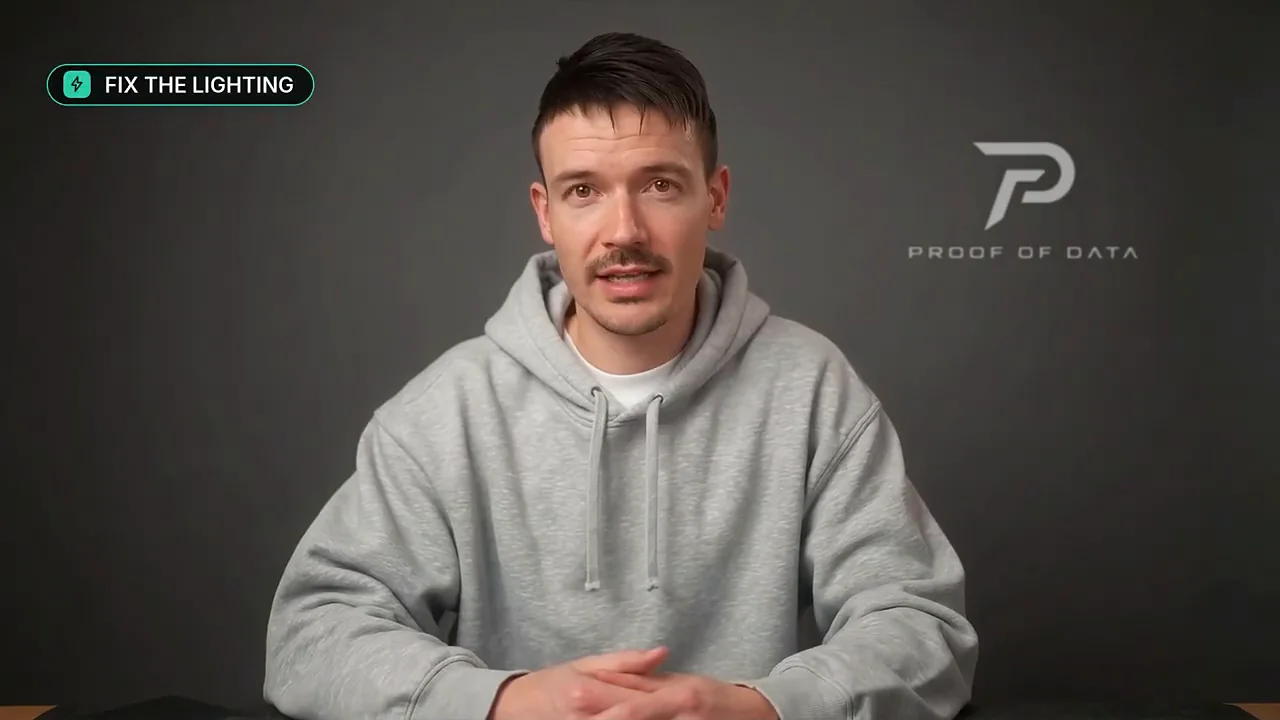
Instead of pasting the person into a studio, IC-Light and then FLUX.2 repaint the whole frame as one photo, so the light on the face matches the room. This worked, with face similarity around 65%. Recognizable, but not quite the same person.
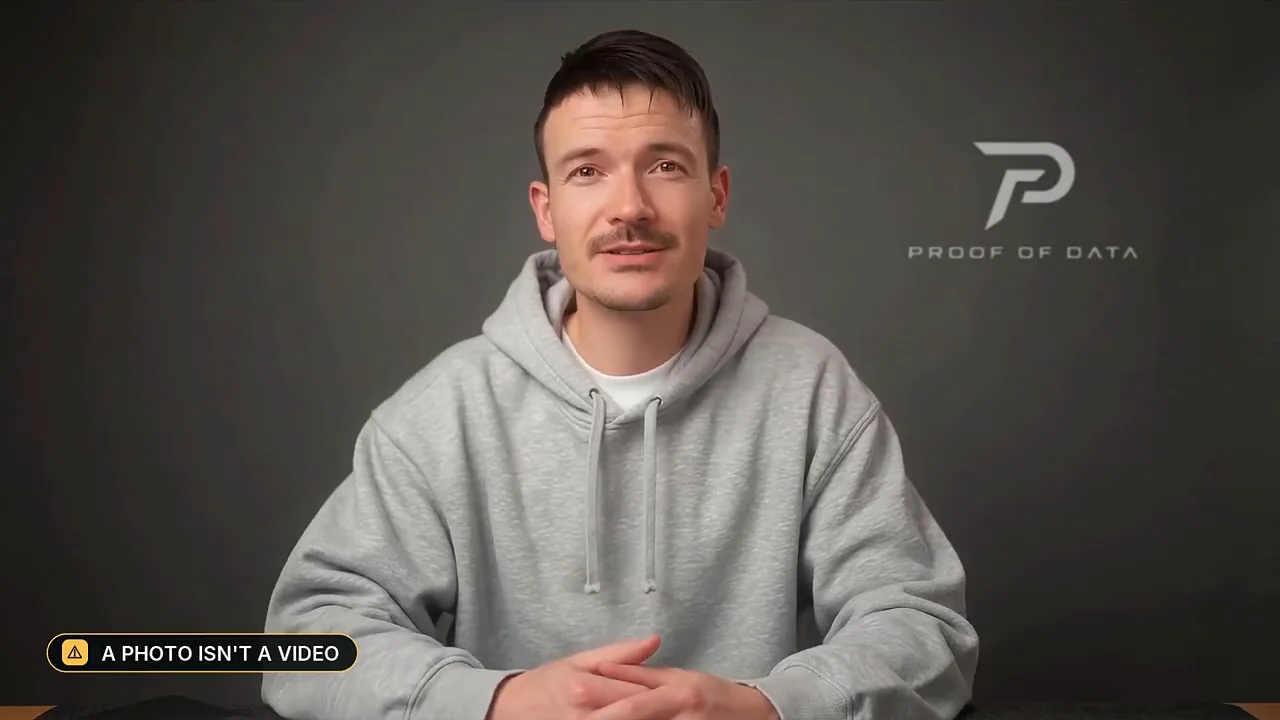
The next step was training a custom LoRA with a tool called AI Toolkit. It used 66 frames plus 66 face close-ups and took about an hour on the 4090. But a photo is not a video.
InfiniteTalk: full-body generation on a squeezed GPU
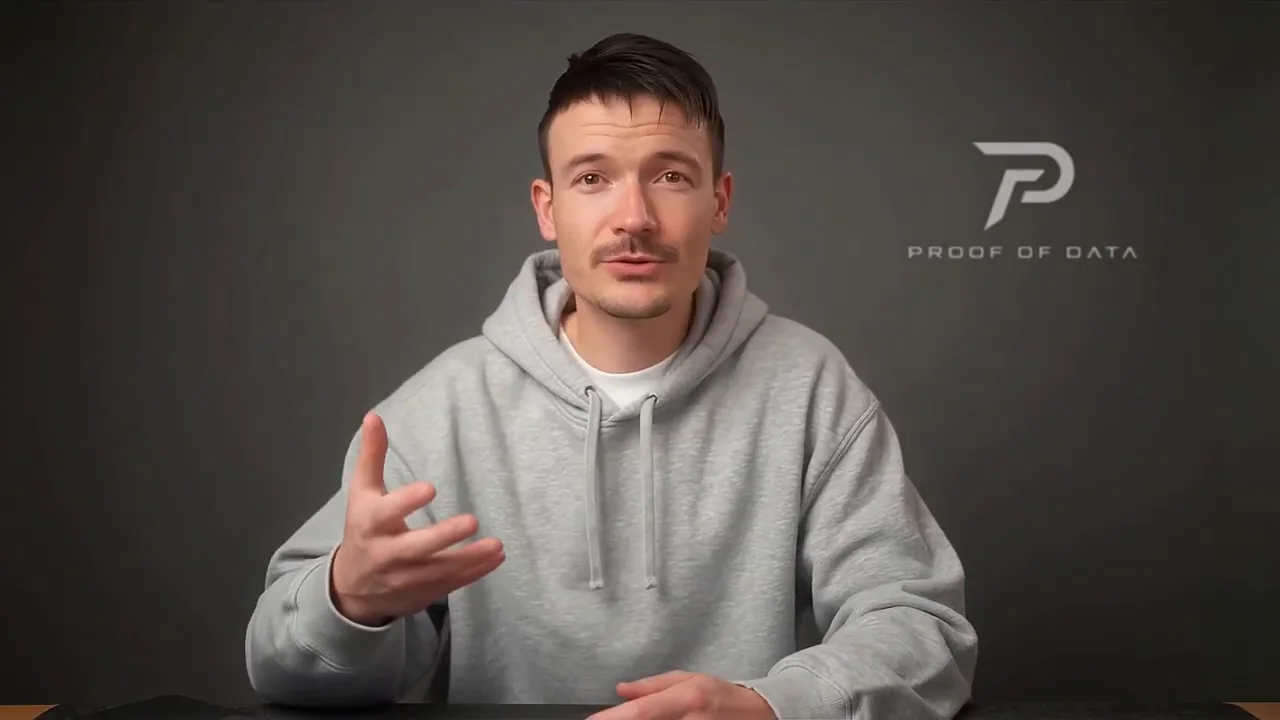
For real motion of the head, shoulders and hands, a generative model was needed. InfiniteTalk takes one image and your voice and generates everything. On the 4090 it had to be squeezed with compressed weights, four steps and low resolution.
Even then it needed 2 minutes of compute for every second of video. The result had blurry hands and a face that slowly drifted away from the original.
The A100 run: 30 minutes of compute per second of video
The models lived on a network drive in one data center in Romania, so GPUs could only be rented there. An RTX Pro 6000 with 96 GB for $2.50 an hour was tempting, but the software stack would not run on its new chip generation, and no H100 was available. The choice was an A100 with 80 GB at $1.79 an hour.
Then came the boring part. The machine did not have unzip installed, and every run started with 10 minutes of loading 40 GB of models before the first frame, time you pay for each time. At full precision, 40 steps and 720p, it took 127 seconds per step.
That is 30 minutes of compute for 1 second of video. A 10-minute video would take 12 days and cost around $500, against about $20 on HeyGen. That is where the experiment stopped.
If you still want to try open-source avatars
Use open-source where it is strong: short clips, lip-syncing real footage you already shot, or testing ideas. Keep your models on a network volume so you do not download them every time.
Stop the pod the second you are done, because the meter never sleeps. And always measure seconds of compute per second of video before you commit. That one number tells you everything.
How the HeyGen cost dropped from $18 to $13
Any shot longer than 5 seconds where the avatar is on screen gets the best engine. Quick one or two second flashes between graphics go to the cheaper engine, because nobody can see the gestures there.
A bug in the script never told HeyGen which engine to use, so everything defaulted to the expensive one. After the fix, the first video would cost $16 instead of $18.50. Reusing the same subscribe reminder and outro clips in every video, paid for once, brings a typical video down to about $13.
Chapters
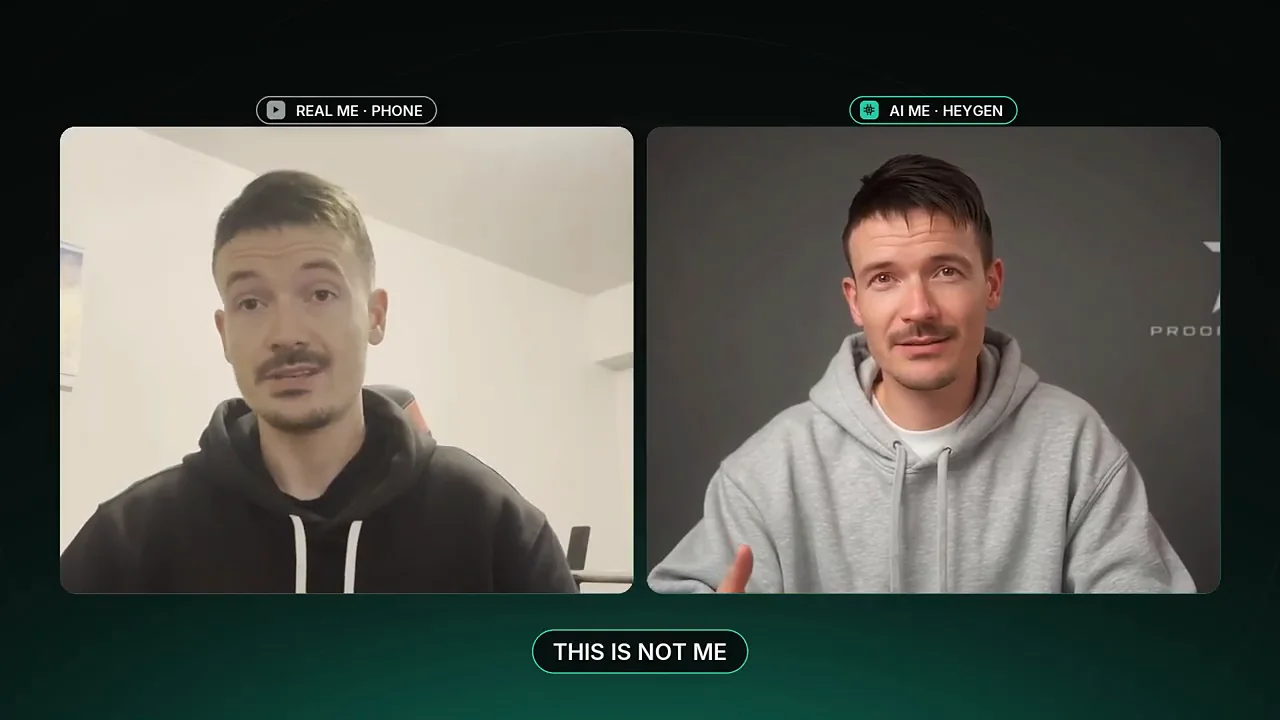 0:00 This Is Not Me
 0:24 Why I Tried to Replace HeyGen
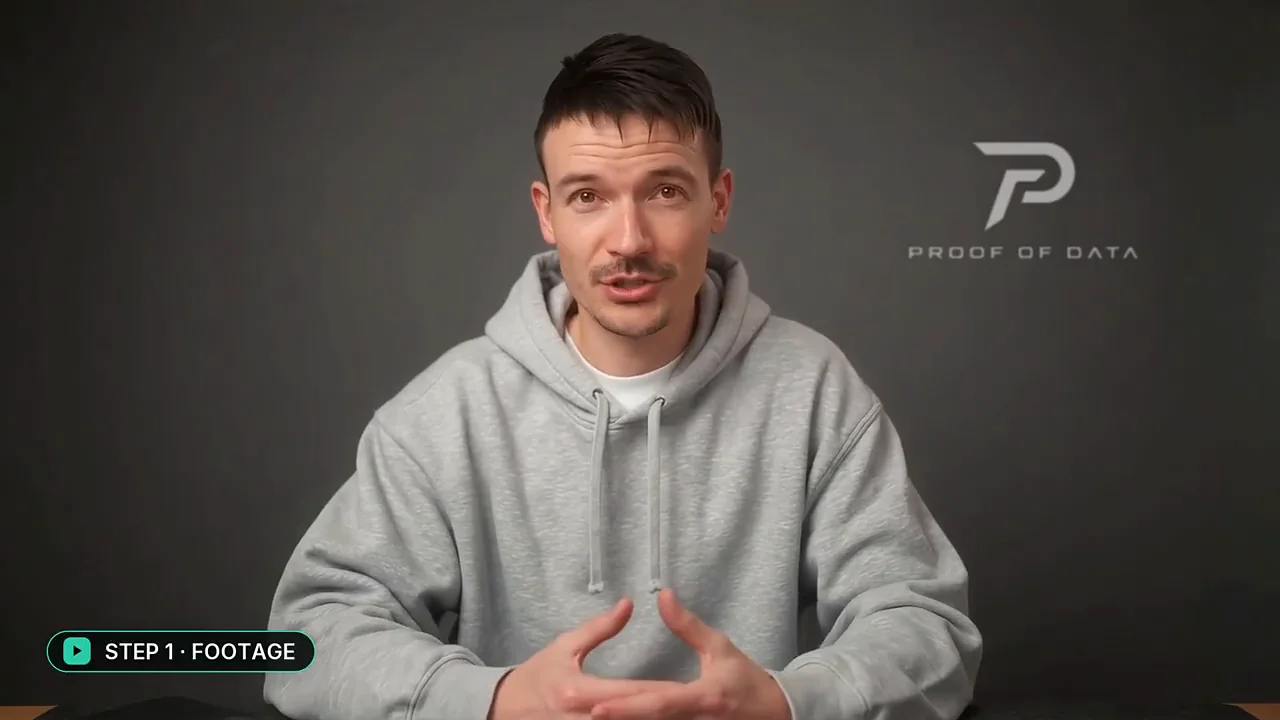 0:46 Step 1: Filming Myself at Home
 1:12 Step 2: Cloning My Voice
 1:31 MuseTalk on an RTX 4090
 1:56 LatentSync: Better Lips, Same Problem
 2:18 IC-Light, FLUX.2 and My Own LoRA
 2:58 InfiniteTalk: Full-Body Generation
 3:23 Choosing a Bigger GPU
 3:52 The Boring Part Nobody Shows You
 4:10 A100 at Full Quality: 127 s per Step
 4:30 Why I Stopped
 4:44 If You Still Want to Try Open-Source
 5:09 How I Cut My HeyGen Cost Instead
See the actual outputs side by side: the lip loops, the drifting face and the A100 run.
FAQ
Is there a free open-source alternative to HeyGen?
Models like MuseTalk, LatentSync and InfiniteTalk are free, but you pay for the GPU. In this test, full-quality output on an A100 would cost around $500 for a 10-minute video, versus about $20 on HeyGen.
How much does HeyGen cost per video?
In the video, HeyGen's Avatar 5 engine charges about 10 cents per second and Avatar 4 about a third of that. A typical video cost about $18 for the avatar, and smarter engine choice plus reused clips brought it to about $13.
What GPU do you need for InfiniteTalk?
On an RTX 4090 it only ran with compressed weights, four steps and low resolution, at 2 minutes of compute per second of video. On an A100 with 80 GB at full quality, it took 127 seconds per step, or 30 minutes per second of video.
What is the difference between MuseTalk and LatentSync?
Both only redraw the mouth on top of real footage. MuseTalk is fast, while LatentSync uses a diffusion model for sharper, more natural lips but is a lot slower. Neither moves the head, hands or shoulders.
Watch on YouTube · Subscribe to @PROOFOFDATA
Topics: ai avatar, heygen, heygen alternative, open source ai avatar, ai clone, digital twin, infinitetalk, musetalk